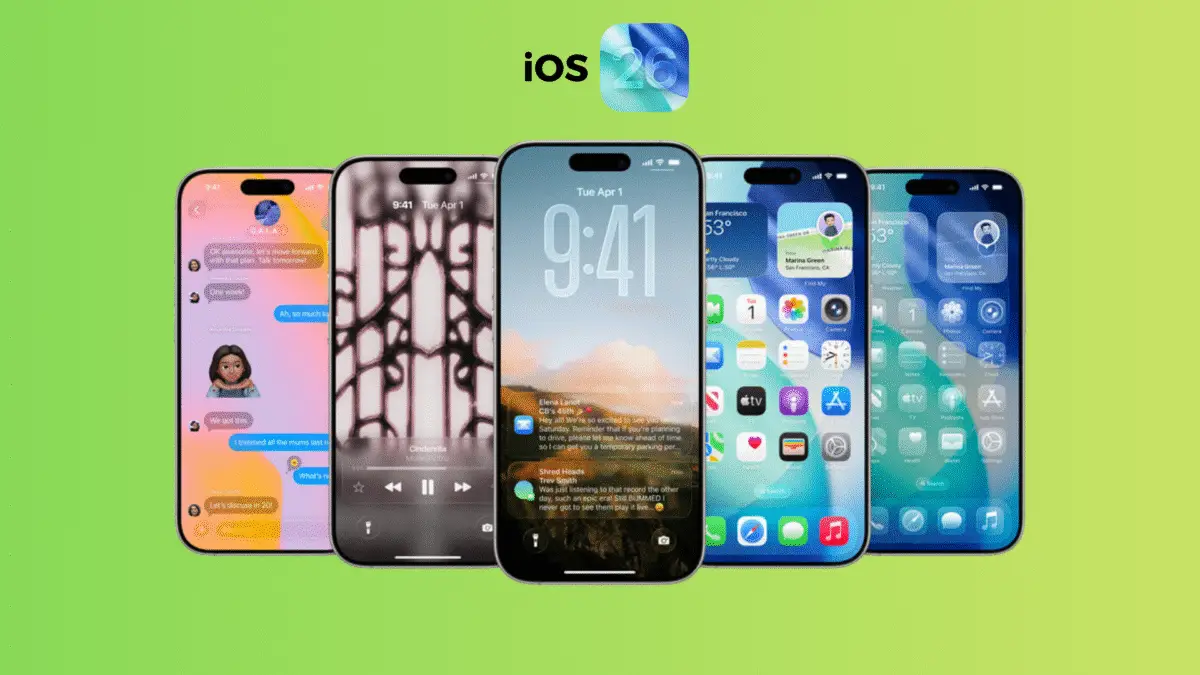

Apple’s forthcoming iOS 26.1 update release is quietly shaping into a refined masterpiece of subtle innovations. While not an overhaul, it arrives with an ensemble of elegant enhancements—chief among them, a toggle to morph the Liquid Glass aesthetic, the long-awaited “slide to stop” mechanism for alarms, and a medley of nuanced refinements across the interface.
Release Window
Apple’s rhythm of updates has slipped past its usual cadence. With no Release Candidate yet distributed—a hallmark of final readiness—the launch window for iOS 26.1 update drifts gently into early November. Should the RC surface within the week, Monday, November 3 or Tuesday, November 4 may mark its public debut, extending Apple’s tradition of Monday or Tuesday rollouts.
A Closer Glimpse at the Fresh Additions
Liquid Glass Customization
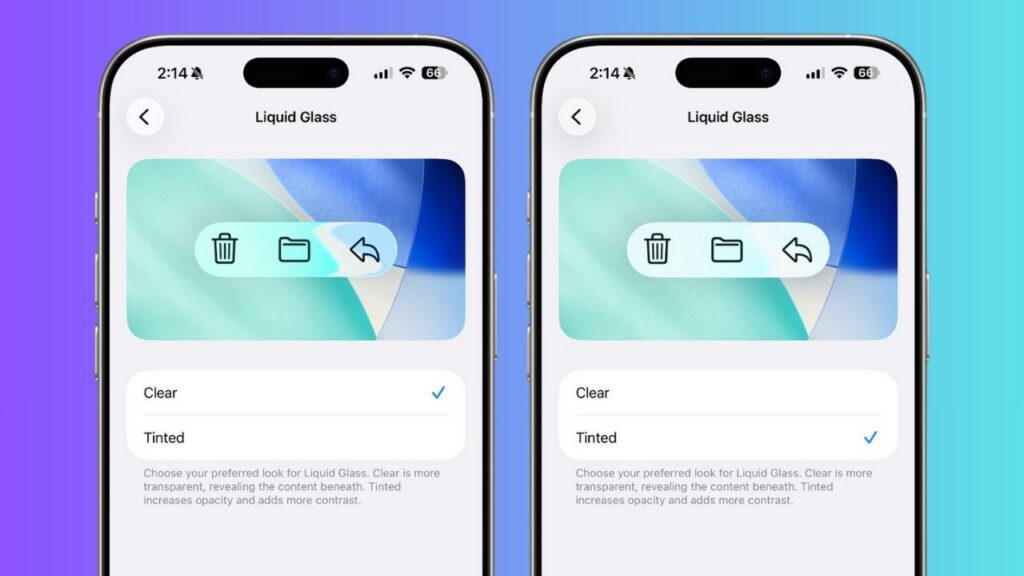
Liquid Glass—Apple’s ethereal design layer—now bends to user whim.
Navigate to Settings → Display & Brightness → Liquid Glass, and you’ll uncover two distinct personalities: Clear, offering a crystalline transparency that lets your wallpaper shimmer beneath, and Tinted, lending a softer, clouded hue that mutes reflections. This delicate tweak gives iPhones an almost handcrafted aura—a design echo between clarity and opacity.
Lock Screen Camera Restraint
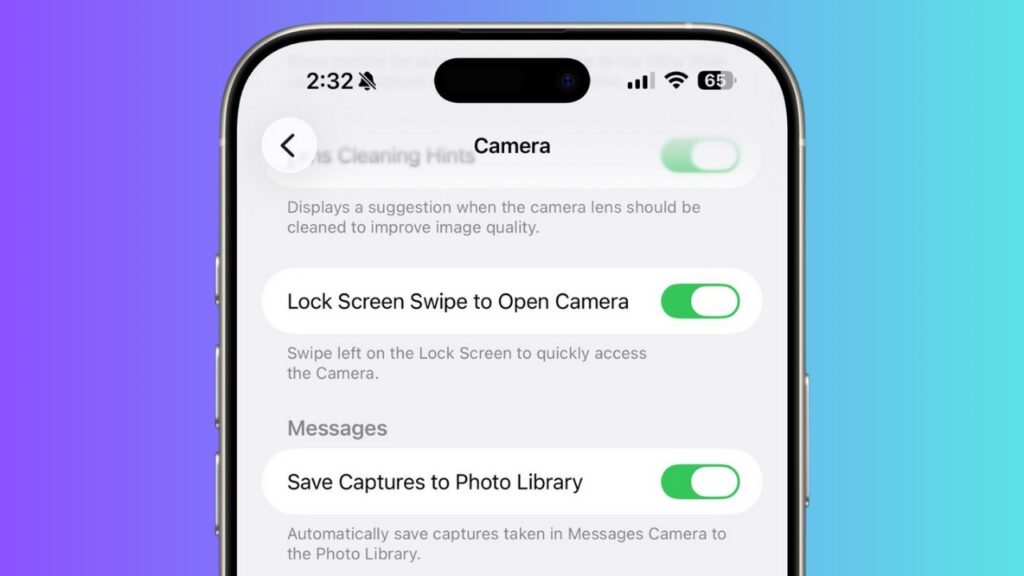
In response to user murmurs, a new switch appears under Settings → Lock Screen → Swipe to Open Camera. Flip it off, and the impulsive leftward swipe that instantly launches the Camera app is subdued. A quiet nod to privacy-conscious users—or those weary of unintentional camera activations.
Slide to Stop – A Refined Wake-Up Call
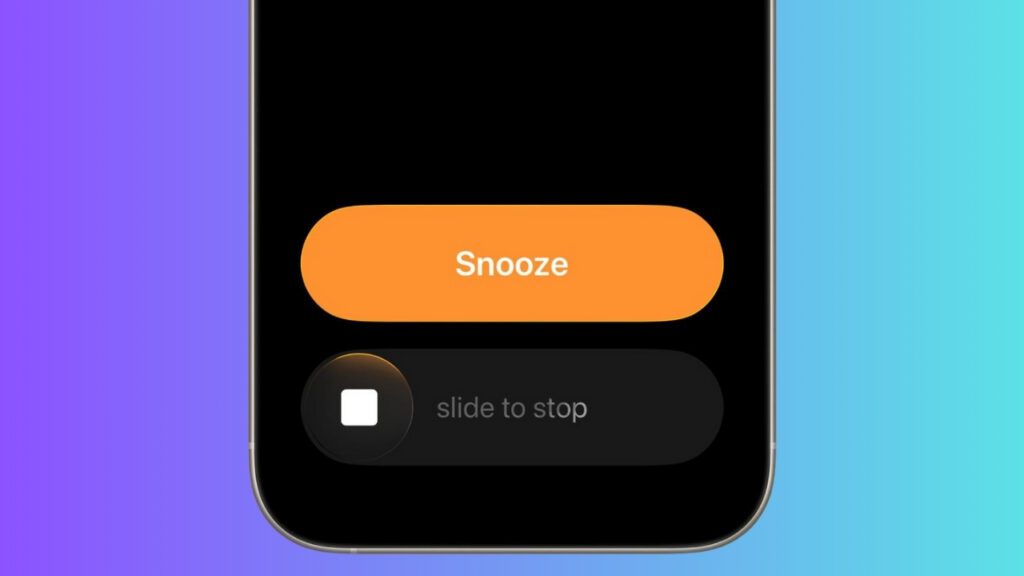
Gone is the blunt “Stop” slab of earlier iterations.
Now, when an alarm resonates through the Clock app, “Slide to Stop” emerges—an elegant gesture replacing the clumsy tap. This prevents accidental silencing during half-awake fumbles. The refinement extends gracefully to timers, demonstrating Apple’s devotion to tactile intentionality.
Song Swiping in Apple Music
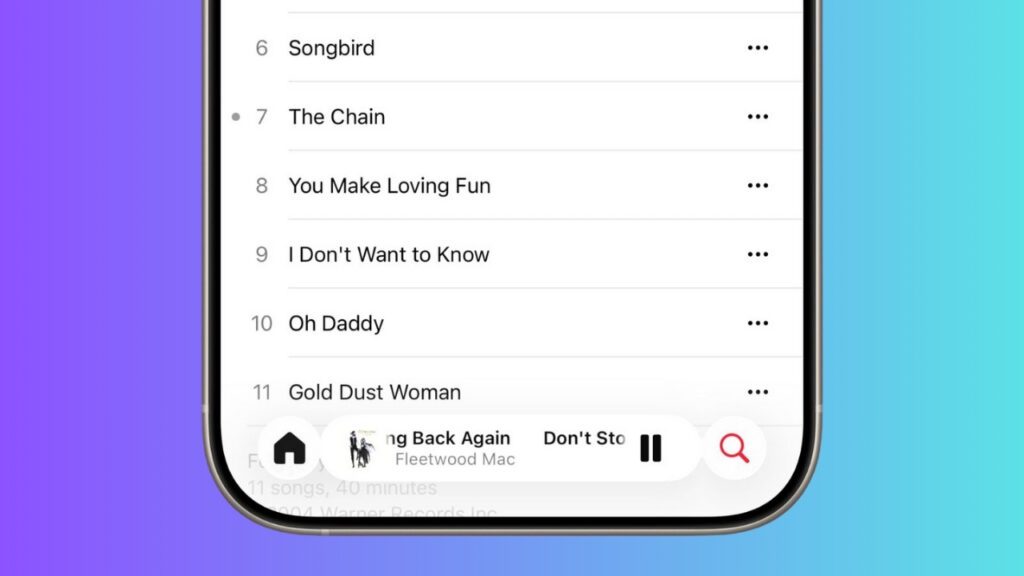
Music navigation adopts a fluid flair—users can now swipe across the player interface to skip tracks. This gesture-driven control grants Apple Music a kinetic rhythm, letting listeners flow through their playlist like turning pages of sound.
Apple TV+ Evolves to Apple TV
Apple’s streaming frontier receives a new visage: Apple TV+ is reborn as Apple TV, sporting a “vivid new identity.” The iOS 26.1 update ushers in a colorful, reimagined app icon, signaling this branding metamorphosis. Subtle, yet symbolic—a shift from exclusivity to inclusivity under one familiar banner.
Broadened Apple Intelligence Linguistics
Apple’s AI backbone now converses more fluently than ever.
Support expands to Danish, Dutch, Norwegian, Portuguese (Portugal), Swedish, Turkish, Traditional Chinese, and Vietnamese. This broad linguistic reach renders Apple Intelligence a more cosmopolitan companion—responsive, articulate, and culturally attuned.
AirPods Live Translation Expands

With iOS 26.1, AirPods Live Translation gains eloquence in new tongues: Japanese, Korean, Italian, and both forms of Chinese (Traditional and Simplified). Compatible with AirPods 4 with ANC, AirPods Pro 2, and Pro 3, the feature weaves real-time understanding into your auditory world—bridging conversations across continents.
Reinvented Background Security Enhancements
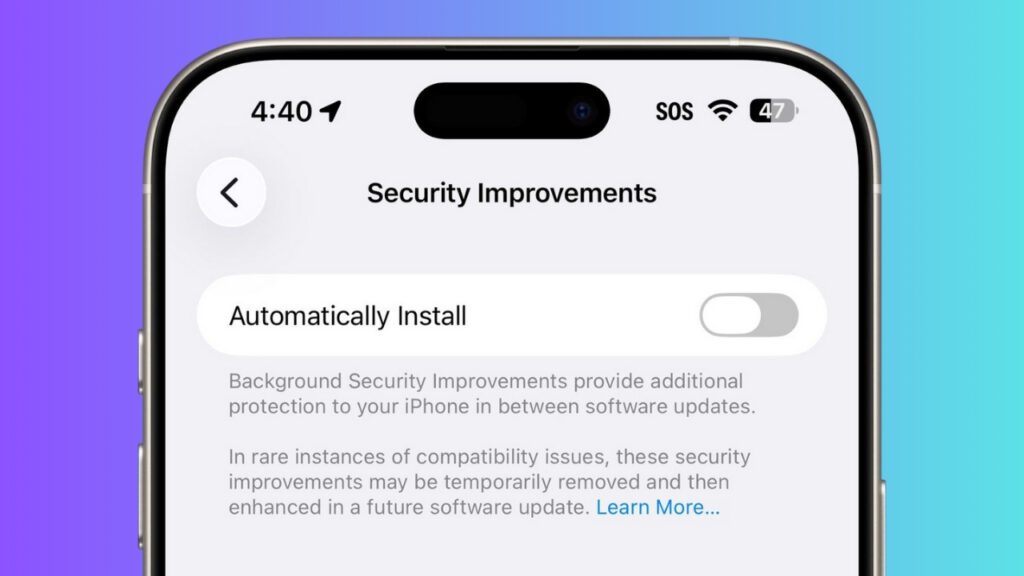
Security fortification receives a quiet overhaul. Beneath Settings → Privacy & Security → Security Improvements, users can now enable Automatic Background Security Updates—micro-patches discreetly installed between major updates. This iteration replaces the previous Rapid Security Responses system, evolving Apple’s silent guardianship into a more continuous, adaptive shield.
In essence, iOS 26.1 stands as a whisper rather than a roar—a refinement more than a revolution. Yet, within its subtlety lies Apple’s signature precision: every toggle, gesture, and symbol sculpted to make the ordinary experience feel quietly extraordinary.
Discover more from NABSAB
Subscribe to get the latest posts sent to your email.